
Caffeine
Caffeine is a tiny free Windows utility from Zhorn Software that keeps your computer awake and stops the screen from locking or sleeping.
306.0 KB

Advanced SystemCare Free is a Windows optimisation suite from IObit that cleans junk files, manages startup items and monitors resource use.
Average 0.0 · ratings: 0
Thank you! Your rating is saved; you can change it. Could not save the rating. Please try again later. Too many ratings from your network today. Please try again tomorrow. The average appears after 5 ratings.
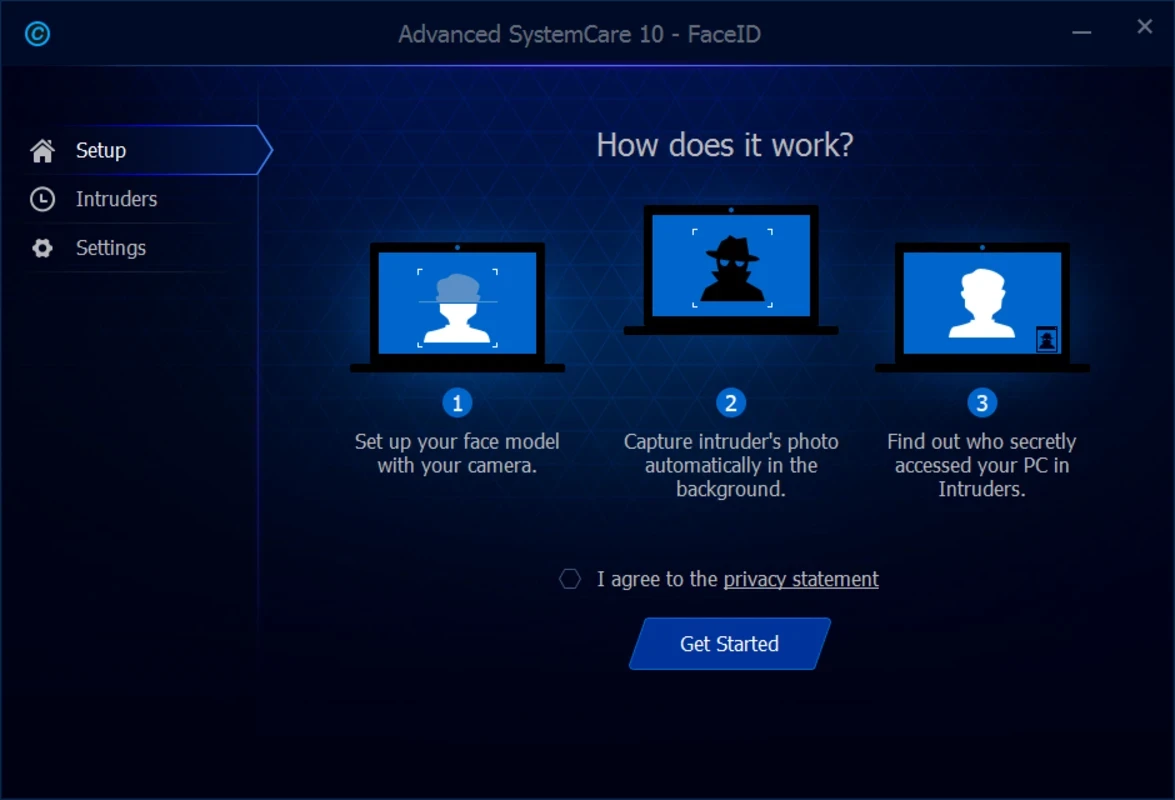
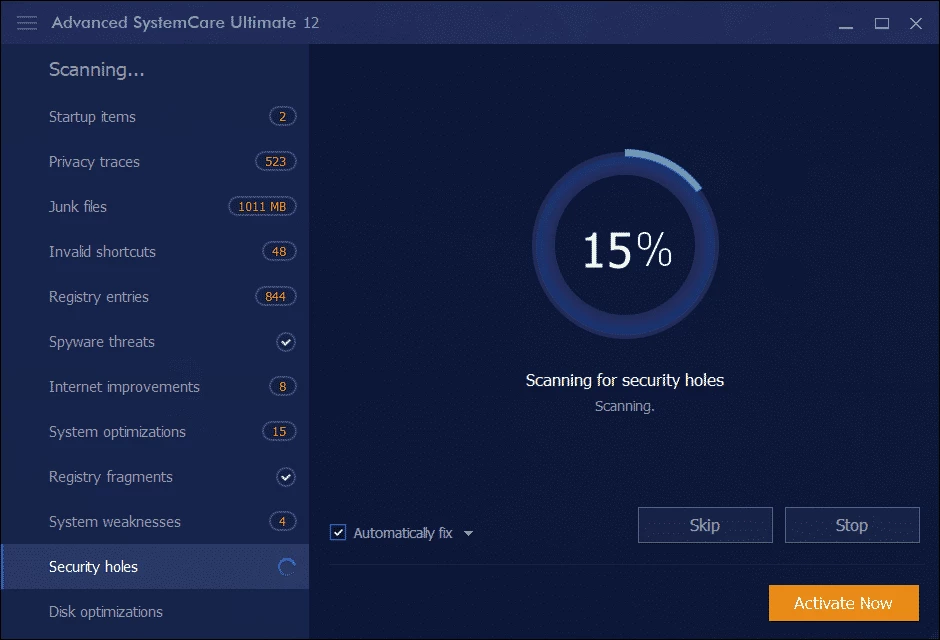
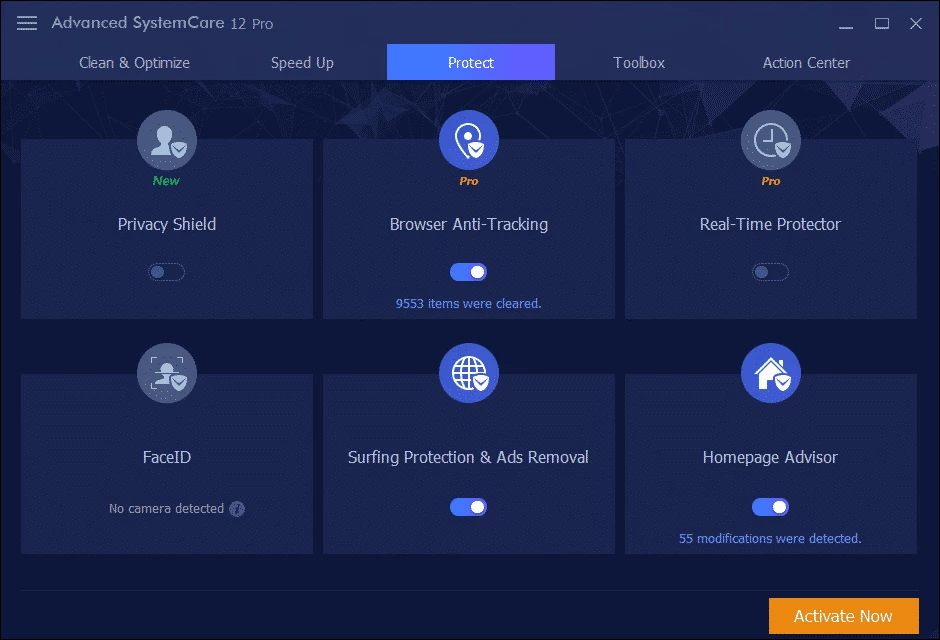
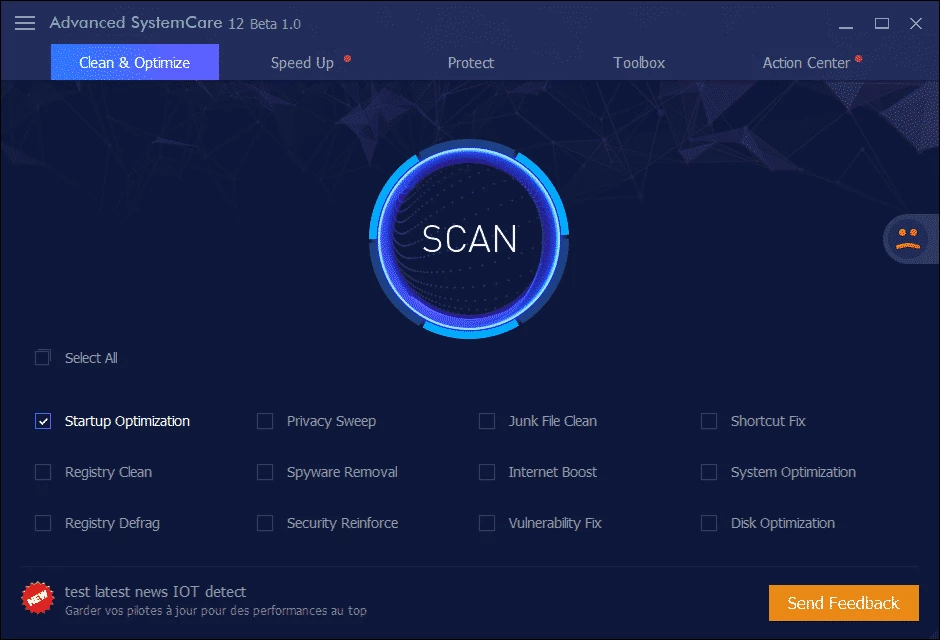
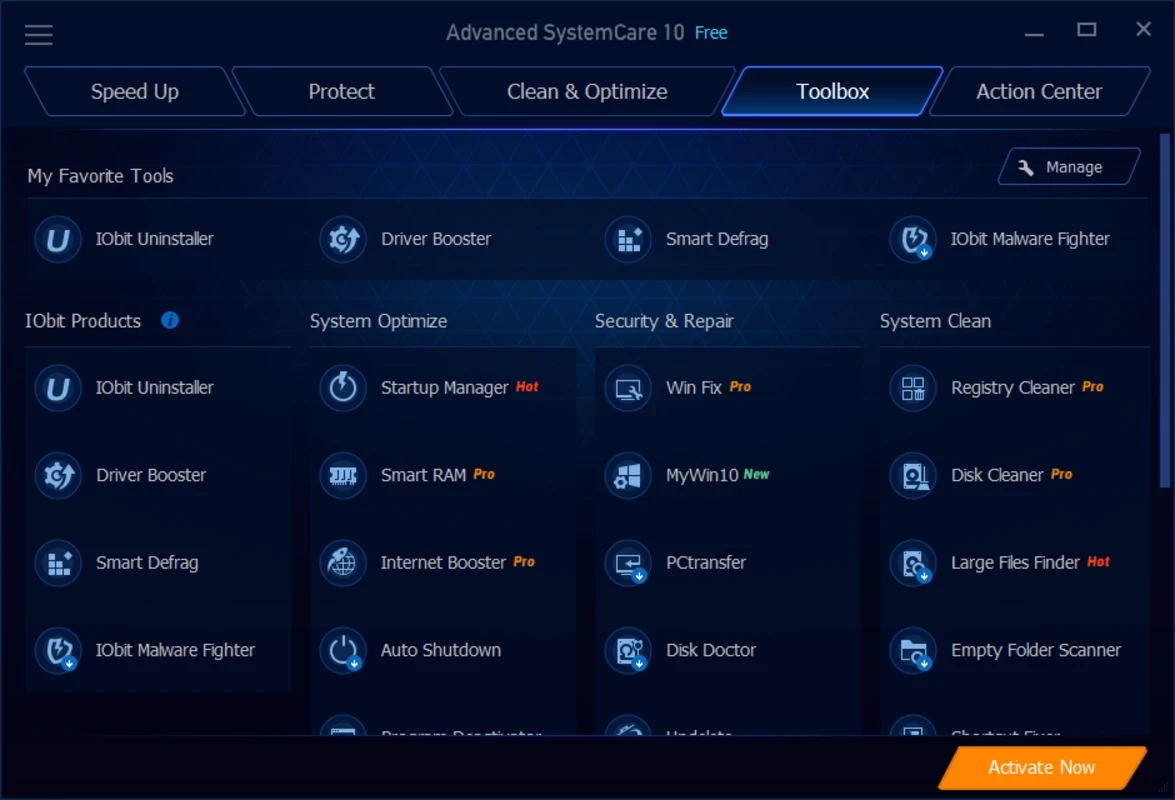
Advanced SystemCare Free 19.6.0.238 is a PC cleaning and optimisation suite for Windows from IObit, released on 8 September 2026. You can download Advanced SystemCare from IObit's site to remove junk files, manage programs that start with Windows and keep an eye on memory and CPU usage from one dashboard.
IObit has been developing Advanced SystemCare since 2005, and the program has grown into a toolbox that covers most of what people associate with the phrase PC tune-up. The main screen offers a single scan that looks for temporary files, browser leftovers, invalid registry entries, privacy traces and startup programs that slow the system down. You review the findings and press Fix. Beyond the scan, there is a disk analyser that shows what is taking up space, a startup manager, a real-time monitor that tracks RAM and CPU use and frees memory in the background, and tools for internet speed and privacy. The interface is friendly and aimed at people who do not want to dig through Windows settings themselves. The downside of such suites is that some fixes promise more than they deliver: registry cleaning, for example, rarely makes a noticeable difference on modern Windows, and the free edition regularly pushes the paid Pro version and other IObit products. Treat the tool as a convenient cleaner and startup manager rather than a miracle speed booster.
Changes in new versions are listed on the update page.
According to IObit, the program supports Windows 11, 10, 8, 7, Vista and XP. The installer is about 60.90 MB according to catalogue data, and the program needs little memory while idle.
Advanced SystemCare comes from a long-established vendor, but optimisation tools change system settings, so review what each fix does. Keep a restore point, avoid deleting items you do not recognise, and do not install several cleaners at once; they conflict and may remove each other's files.
The free edition covers cleaning, startup management and the basic monitor. Advanced SystemCare Pro is a paid subscription that adds deeper cleaning, automatic maintenance and extra protection features.
CCleaner on our site is another popular cleaner. For narrower jobs, Mem Reduct frees memory, Caffeine keeps the PC awake and TCP Optimizer adjusts network settings.
Caffeine is a tiny free Windows utility from Zhorn Software that keeps your computer awake and stops the screen from locking or sleeping.

Windows 10 Update Assistant is a free Microsoft tool that updates a Windows 10 PC to the latest feature update without waiting for Windows Update.

Mem Reduct is a tiny open-source Windows utility by Henry++ that shows memory usage in the tray and frees RAM on demand or automatically.

MSI Kombustor is a free graphics card stress test and benchmark from MSI, used together with MSI Afterburner to check stability.

GS Auto Clicker is a tiny free Windows program from goldensoft that clicks the mouse automatically at a set interval, started and stopped with a hotkey.

CCleaner is Piriform's utility suite for removing temporary files and cleaning up Windows. The free edition covers basic cleaning.

Custom Resolution Utility (CRU) is a tiny free Windows tool by ToastyX for adding custom resolutions and refresh rates to monitors.

NZXT CAM is NZXT's free Windows app for its PC hardware, used to keep an eye on the computer and manage compatible NZXT components.